 Free sample · no sign-in needed
Installed Lightroom today and needed to start with it yesterday? The parts of the program a photographer uses every day – in plain language, without empty platitudes.
The course introduces the parts of Lightroom that are essential for a photographer's daily work. No empty platitudes, but proven techniques and tips. Even as a complete newcomer, after the course you'll know how Lightroom works and won't be lost.
You'll learn to back up photos from a card, add photos you already have to the catalogue, edit a single photo and a whole series so it looks consistent, and export for print, web and social media. The course uses Lightroom Classic, but older versions are fine too.
Editing a photo
We'll dive into the Develop module, go through all its functions and learn to sync edits across other photos. You'll save hours and your series will be consistent.
Import and backup
Why to back up from a card exclusively through Lightroom, and how to add photos you already have on an external drive or your computer.
Export, presets, collections
Exports for the client, your own and downloaded presets, collections and keywords – and the chaos in your photos turns into order.
What you'll learn
- create a catalogue
- import photos from cards and drives
- create an organisational structure
- control and customise the interface
- edit a photo and a whole series
- create presets
- export for print, web and social media
Who the course is for
- for complete beginners
- for eternal beginners who can't get their teeth into Lightroom
- for photographers who need to work quickly and efficiently
Course content
- 01Introduction – how Lightroom thinks
- 02Folder structure in LR
- 03Import – a general introduction
- 04Importing photos from a card – walkthrough
- 05Importing photos from a card – walkthrough
- 06Importing photos from a drive – walkthrough
- 07Importing photos from a drive – adding to the catalogue
- 08Controls and customisation
- 09Editing a photo
- 10Batch editing photos
- 11Processing a job – organising folders
- 12Processing a job – exports
- 13Presets
- 14Collections
- 15Keywords
About the lecturer

Antonín Lavrenčík
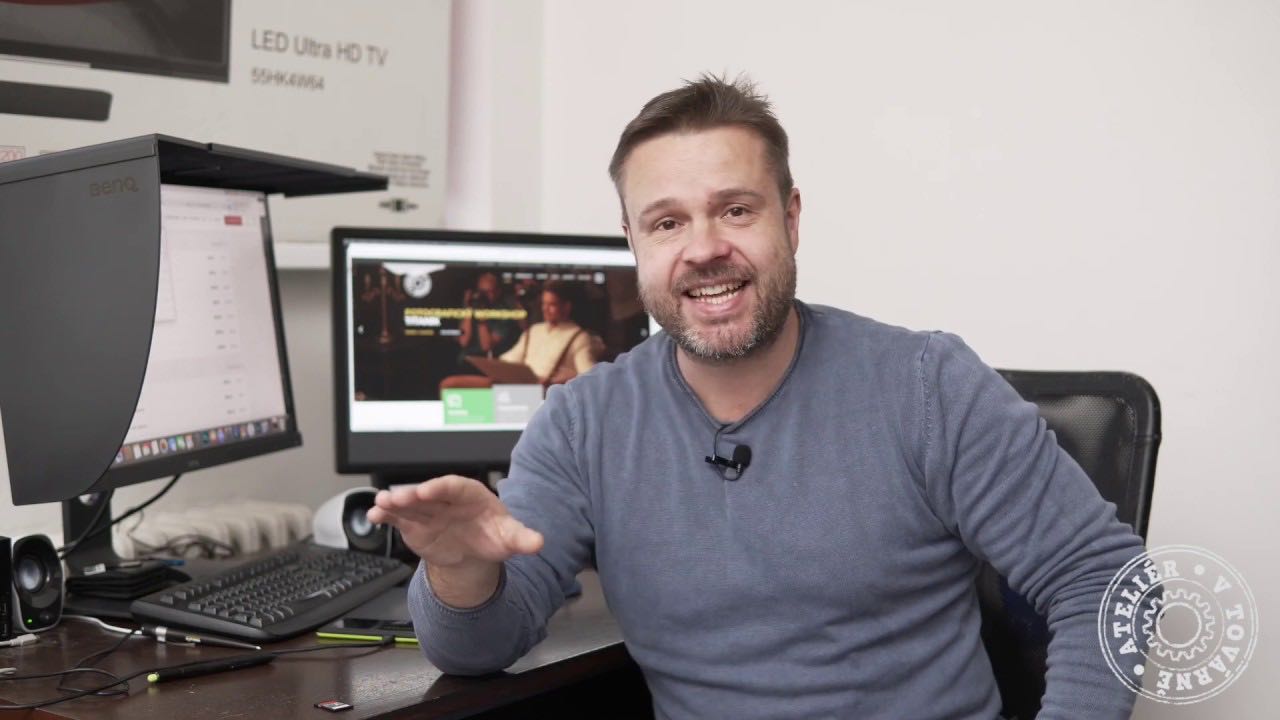
A professional portrait photographer and lecturer from Prague. He specialises in portrait photography, has been teaching since 2014 and emphasises the practical, hands-on side of teaching. He runs his own studio, Ateliér v továrně, in Prague's Modřany district.
Buyer reviews
I always floundered in Lightroom and was more friends with Photoshop. Thanks to this course I now know it's really easy when you have a lecturer like Tonda. Thank you so much for this online course, because thanks to it I'm now much more confident in Lightroom.
Translated from Czech